


How “helpful” alerts quietly wreck focus, workflow, and good judgment
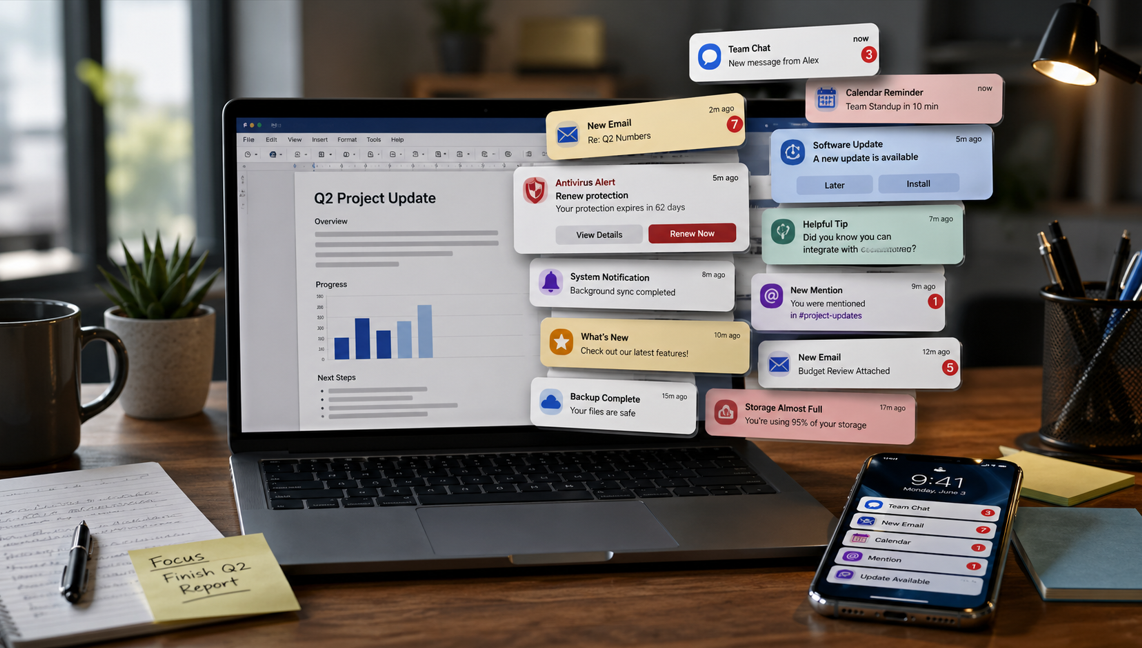
All those crazy notifications that pop up on the right side of the screen? They’re supposedly there for situational awareness.
Sounds good . . . in theory.
But how often do they actually help? More often, they distract you. Sometimes they completely derail what you’re doing.
And some software takes it to crackpot levels.
For example, if you don’t renew your antivirus protection at least two months before it expires, you can end up getting nagged with popups every 15 seconds until a week after you renew. Not when there’s an actual problem. Long before it matters – and then long after you already fixed it.
At that point, it’s not situational awareness.
It’s harassment with branding.
Notifications exist to surface important information. Yes, you probably do need to know when your boss posts something on Slack.
But many notifications aren’t urgent, useful, or timed around your work. They’re timed around what the software vendor wants you to notice.
The problem isn’t just the interruption itself. The real cost is the reset.
You lose your place. You lose your train of thought. You stop what you were doing, look at something that often doesn’t matter, and then have to claw your way back into the task you were actually trying to finish. The popup may take five seconds. Recovering your focus can take a whole lot longer.
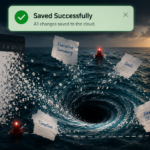
That’s the notification tax.
It’s not measured in dollars. It’s measured in broken concentration, delayed work, and that low-grade irritation that builds up over the course of the day until you’re ready to throw your computer out the window. One popup is annoying. Fifty of them can turn a perfectly productive morning into a jittery, half-finished mess.
And not all notifications are bad. Some are genuinely useful. If your boss posts in Slack, a meeting is about to start, or a system actually fails, that’s information you probably need in real time.
Sometimes it’s worse. The notification doesn’t just break your concentration – it pulls you into a completely different stream of work.
A Slack popup catches your eye, so you click it. Now you’re in Slack. You see 14 other messages. One needs an answer. One sends you to Jira. One reminds you about an email you forgot to send. Before you know it, an hour is gone and the thing you were originally working on is still sitting there, untouched.
That’s not awareness. That’s a detour with a soundtrack.
The problem is how much junk now gets dressed up like it belongs in the same category. Renewal nags. Upgrade prompts. Feature announcements. “Helpful tips.” Marketing disguised as product behavior. A lot of modern notifications are not designed around what matters to you. They’re designed around what matters to the software.
That’s the part worth paying attention to. Notifications are supposed to support your work. Too often, they compete with it.
The fix isn’t to turn everything off and go full hermit. It’s to get more skeptical about what has earned the right to interrupt you. True alerts? Keep them. Things that actually block work, affect deadlines, or require a fast response? Fine. Everything else can wait until you choose to look at it.
Because if a tool interrupts you all day for things that don’t matter, it’s not helping you stay informed. It’s training you to be reactive.
And that’s a pretty expensive tax for a feature that’s supposed to make work easier.
Jana Diamond
Jana Diamond, PMP, is a Technical Project Manager at Protovate with a career spanning software development and Department of Defense programs. She’s known for bridging technical detail with practical execution—and for asking the questions that keep projects honest. When she’s not working, she’s likely reading science fiction or hunting down her next salt and pepper shaker set.